
From brief
to byte.
Show a real image. Follow the job through Fungi, Oyster and Cloudflare. Then put the same tools in your audience’s hands.
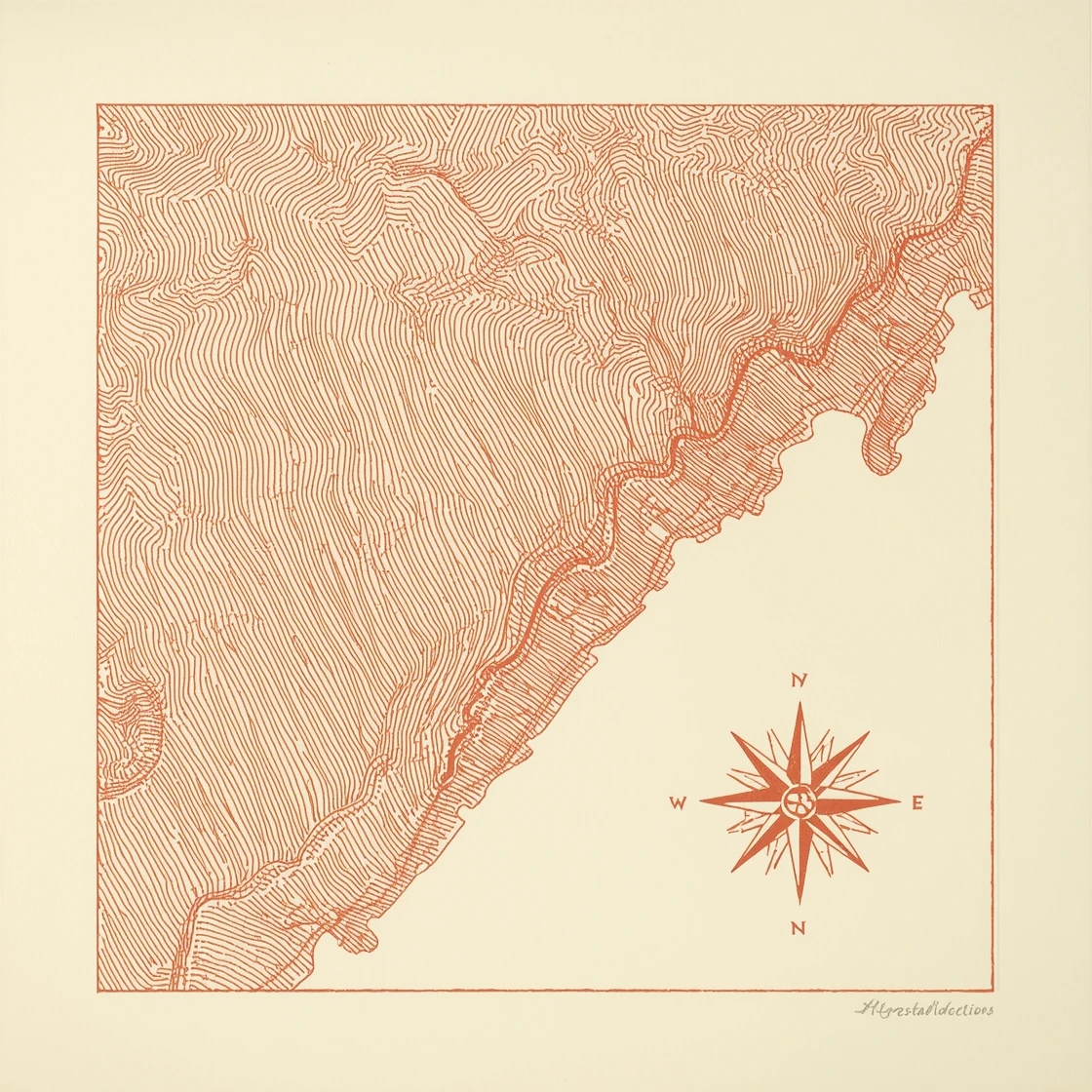
Start with the print.
“Here’s the original file. I want the brief that made it and a way to do it again next week. Let’s follow the job.”
Show the real image. Name each layer. Run the Worker in two formats. End with one thing the audience can try themselves.
Invite everyone to remix the brief, start a Worker, explore the Oyster trial, then follow one authorised request into their own Gateway dashboard.
Six names. Six jobs.
Fungi is the ecosystem. The image workflow is one way to put the pieces together. Add Gateway to the requests you want to observe or control.
- Fungi
- The ecosystemApps, agents and Computers. Shiitake is the terminal agent.
- Oyster
- The hostRuns Apps and governs what people and agents can open or call.
- Prints
- The creative appTakes the brief, tracks the job and keeps the original in a Computer folder.
- Cloudflare Workers
- The runtimeRuns application code. The included local Worker returns the workshop brief in two formats.
- Workers AI
- The modelRuns inference without a GPU on your desk. Model access and usage depend on your account.
- AI Gateway
- The control pointObserve routed requests and apply security, cache or usage controls. Show a real request in your own dashboard.
Run it twice. Show what changed.
The local Worker turns the same fictional Midnight Arcade brief into a feed caption and a link caption. Attendees can verify the response themselves.
Read the recorded local outputRehearse locally
Extract the ZIP, open that folder in a terminal and start the Worker. The first run can download Wrangler.
npx --yes wrangler@4.158.0 dev --local --ip 127.0.0.1 --port 8788curl -fsS 'http://127.0.0.1:8788/api/brief?format=feed'
curl -fsS 'http://127.0.0.1:8788/api/brief?format=link'Look for rehearsal-fixture and inferenceCalls: 0. The Worker ran locally and the responses came from a fixed example.
Trace a live request
Use your Cloudflare account, an authenticated Gateway, a token with the relevant run permissions and a supported Workers AI text model. The kit’s README names each environment variable.
node gateway.mjs
node gateway.mjs --live
The first command is a dry run. The second sends one synthetic caption request and can incur charges. Find it by model and timestamp in your own Analytics or Logs. Check your logging settings, rate limits and budget before going on stage.
Can everyone follow along?
Yes for the public material and the local rehearsal. The live exercises use the attendee’s own account, permissions and budget.
- Ready to share
- This page, stage view, ZIP, prompts and proof receipts all open signed out. The kit includes no presenter credentials. Reuse the code and notes under MIT, and keep the artwork’s source credits.
- Ready to run locally
- The Worker rehearsal needs a supported Node release and Wrangler. The pinned Oyster trial in the image workshop uses Node 24.20.0 and Git. Local Oyster lets people open the Apps and connect over MCP.
- Bring your own cloud access
- Live Gateway use needs a Cloudflare account and an authorised model. A full Cloudflare Oyster deployment also needs Workers Paid and prerequisites such as Containers. Hosted Fungi access follows its current signup and funding rules.
- What we can claim on stage
- The local Worker replay and local Oyster setup were exercised. The historical images prove Prints and Workers AI generation. A successful live call and a record in the attendee’s gateway prove their Gateway route.